
Get it on
Google Play
Full Featured Music app with no subscription, no ads.
SoftMusic is a beautifully designed music player that brings together your Apple Music catalog, YouTube Music, free streaming services, personal audio files, internet radio, audiobooks, podcasts, and more — in one seamless experience.
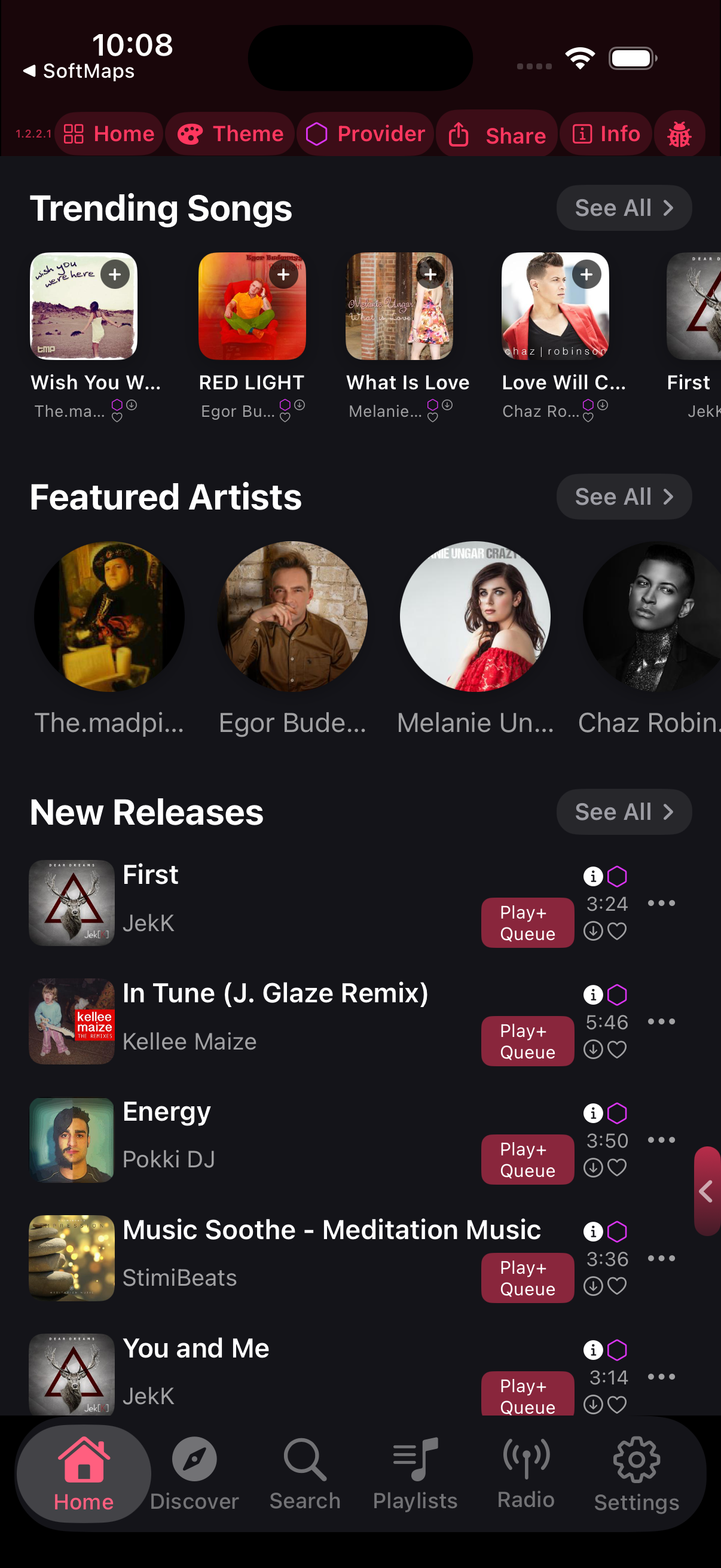
Discover and stream free music — no subscription required.
You can download allowed tracks to device for offline playback.
You can add your Apple or Spotify account
Import your music file from the device or google drive and play offline with no internet required.
Thousands of free stations around the world, powered by RadioBrowser. Browse by genre, search, and save favorites.
Seven-band equalizer with presets to customize your sound.
Crossfade, reverb, echo, beat overlays, and other real-time effects, with a dedicated session setup flow.
Line-by-line synced lyric playback that follows the playhead.
Full CarPlay support for safe driving — recents, queue, and player controls.
Identify songs playing around you with built-in ShazamKit. On-device only.
Control playback, view your queue, recents, playlists, and grab suggestions from your wrist.
Chapter navigation, speed control, position memory, and text-to-speech for chapter-less books. Built-in reader with LibriVox and Open Library catalogs.
Browse, search, and play podcasts from multiple sources.
Dark and light themes with customizable accent colors and font scaling. Adaptive layout for iPhone and iPad.
Use the import button in the Playlists catalog or a playlist toolbar to bulk-import DRM-free files from Files / iCloud / cloud providers. Open the ••• menu on any imported or downloaded song and tap Edit Info to fix its title, artist, or album name.
Step-by-step walkthroughs for common features and workflows in SoftMusic.
Import personal DRM-free music files directly from your device storage or cloud providers for 100% offline playback with no subscription.
Save tracks directly to your device so you can listen anywhere without an active internet connection or data usage. SoftMusic provides two convenient ways to download:
To view and play all your offline music, go to Playlists > Downloaded Songs, or switch the active streaming provider to Local Files.
Personalize the visual look, accent colors, and layout of SoftMusic to match your taste.
SoftMusic connects multiple music ecosystems into one unified interface.
We actively improve SoftMusic and welcome bug reports, suggestions, and feedback from our community.
Tailor your acoustics or turn any playlist into a continuous DJ set with real-time audio effects.
Enjoy music on the go with seamless companion experiences.